
When a student calls their advisor
Advisors verify the student
The advisor asks, “What are the words?” The student reads all three from their Thornfield ID Verify app, and the advisor checks them on the student’s record before acting.
University verification
Cloned voices now let anyone pose as a student or an advisor. When the call is about a withdrawal, a grade, a visa or a deadline, both sides need to know who is on the line.
Trust Onion puts two-way identity verification in an app branded as your university. Students verify their advisor. Advisors verify the student.
Book a security review For security teams: how it’s secured

The next call from her might not be her.
The ground shifted
An attacker who controls a student’s university login and phone number, and has cloned their voice, can pass each check below. The same tools let a stranger sound like the student’s advisor.
Your IT team already guards logins, devices and the student portal. AI adds the voice: a clone built from about 15 seconds of public audio, from a class presentation or a social video, can sound like the student. Your staff could never recognize thousands of voices, and now even the students they know can be copied.
A phishing email dressed as a tuition notice, or a reused password, gives the attacker the student’s university login, so email confirmation passes and the portal shows their courses, deadlines and advisor.
A SIM swap or carrier port-out moves the student’s phone number, so caller ID matches and a text code or callback reaches the attacker.
About 15 seconds of public audio can be enough to clone a voice, and a video call can be faked the same way. See how easy it is.
A same-day withdrawal, a dropped course, or a refund to a new bank account, from a student who says they can’t come in.
Each device generates the three words locally. They rotate every 60 seconds, out of reach of anyone holding only the student’s login and number.

#4471 · Term withdrawal · Effective today
Priya Raman (phone)

WITH THE UNIVERSITY
Rotates every 60 secondsGenerated on this phone
Both directions
Important news travels both ways, so verification does too. Attackers pose as students to withdraw them, change their courses or reach their records, pose as advisors and university offices to push students into rushed decisions, and pose as students to their own families. One app covers every one of those calls.
The same three live words verify a student calling their advisor and an advisor calling a student. Students and their families also verify each other in their own groups, with words the university never sees.
When a student calls their advisor
The advisor asks, “What are the words?” The student reads all three from their Thornfield ID Verify app, and the advisor checks them on the student’s record before acting.
When an advisor calls a student
The student asks, “What are the words?” The advisor reads all three from the staff view, and the student checks them in their app before acting on what they hear.
“Priya, it’s Owen, your advisor. Drop organic chemistry by Friday or your standing is at risk.” Priya asks for the words before she changes anything. If a caller can’t give them, she hangs up.
When a student’s family gets a call
Students run their own family group in the same Thornfield ID Verify app, with three words the university never sees. When Priya’s father gets a frightened call in her voice saying she is in trouble and needs money, he asks, “What are the words?” before he does anything.
The rule never changes: whoever places the call says the words. Whoever answers checks them.
What’s at stake
Students act on what their advisors tell them, and advisors act on what students ask.

The new standard
Your advisors match three live words against the request in one question, and when an advisor places the call, the student asks and the advisor reads the words. For doubtful requests, a signed live selfie adds proof, and your approvals still run before anything changes.
The student calls. Their device generates three live words in the university’s app, and the words rotate every 60 seconds.
The advisor sees the same words. They appear on the student’s record in the staff view.
The student confirms. The advisor asks “What are the words?” and the student reads them aloud.
Any doubt, a Proofie™. The advisor requests a live selfie, signed by the student’s passkey after a Face ID, fingerprint, or passcode check. The signature covers the exact photo plus the time and place, and any edit breaks verification.
WITH THE UNIVERSITY
New words in 42s
Rotates every 60 secondsGenerated on this phone
Your Thornfield advisor asked for a Proofie™ to confirm a request.
Take a live selfie. Your passkey signs it after Face ID, fingerprint, or passcode.
Take Proofie™Face ID unlocked the key
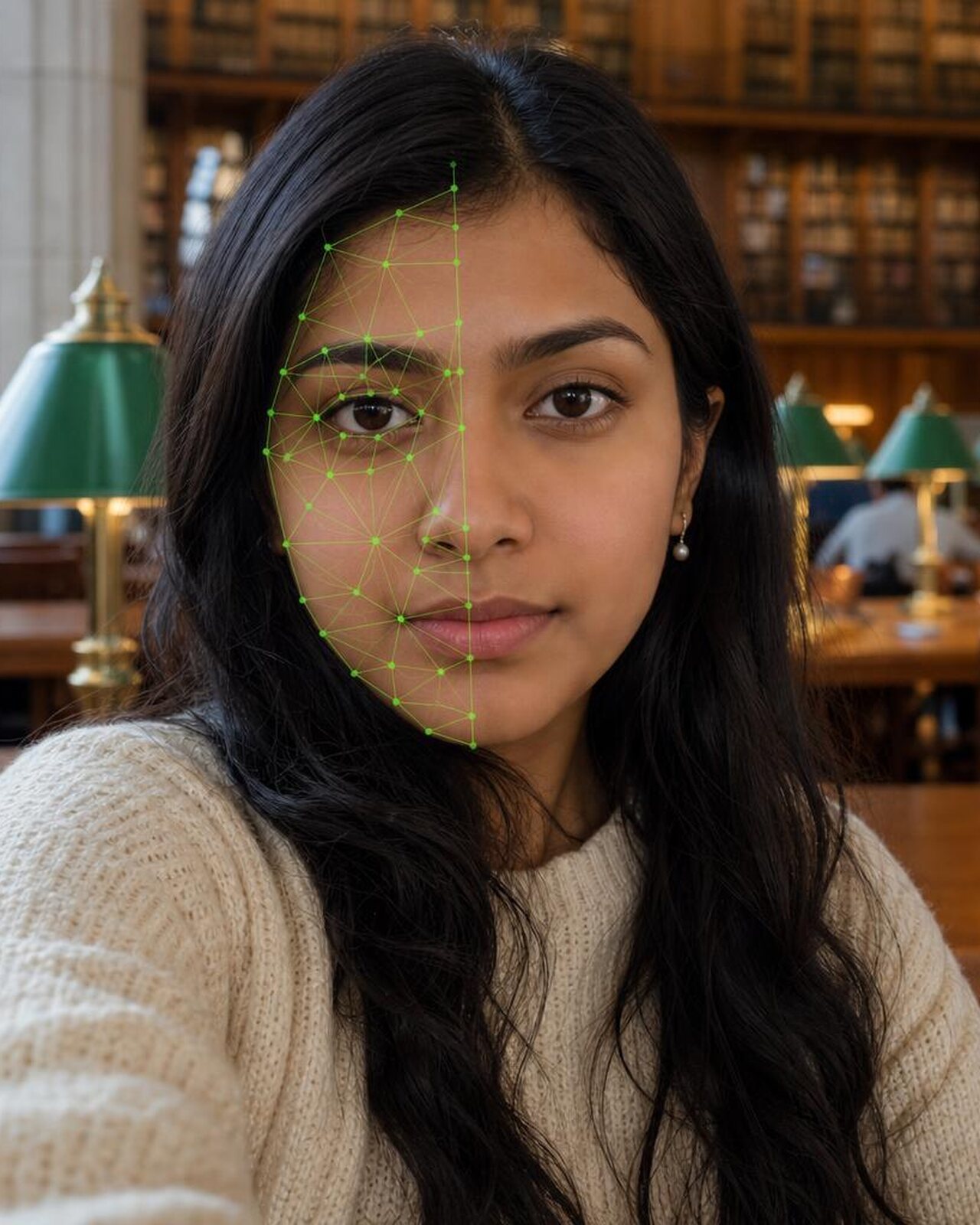
Fingerprint watermark

Proofie™
TFu7…k2Qa
Verified by Thornfield
Swipe for the next screen
Inside your student records
When a student asks by phone to withdraw, drop a course, change a major or move a refund, the three live words appear on the request in the staff view. The advisor asks one question, confirms the match, and the request moves to your second approver with the check recorded.
Nothing replaces your identity proofing or your second approver. The approver sees the request was verified before they sign off, and when your policy calls for it, your staff request a Proofie™ from the same screen. We set up the staff view in our console or inside the student systems your team already uses.
#4471 · Term withdrawal · Effective today
Priya Raman (phone)
Ask: What are the words?
Caller check recorded · 9:41 AM
Owen: What are the words?
Priya: Cobalt Compass Cedar.
Security you can verify
Each box below links to its source or to a review with us, so your security team can test what we say.
Each device generates three codewords per group locally. They rotate every 60 seconds and work offline.
Read the privacy policyA patent-pending live selfie, signed by the student’s passkey after a Face ID, fingerprint, or passcode check. The signature covers the exact photo plus the time and place; any edit breaks verification.
Visit proofoflife.ioIt works alongside your identity proofing, MFA and second approvals.
Book a security reviewBring your security team; we answer every question.
Book a security reviewEach group key sits in a secure enclave on the deployment server and on each student’s phone. Your staff see the words for their own groups, never the key.
Book a security reviewEach student’s passkey is bound to their phone. Our server stores only the public key, never the private key.
Book a security reviewThe signature includes a recent public block hash, a value no one could know in advance, which shows the photo was taken after that moment. Nothing is written to a blockchain.
Read our privacy policy and terms.
For your students
Students get a verification app in your university’s name, published under your own App Store and Google Play accounts. We build, submit, and maintain it.
When you call your advisor, three words confirm it’s you. When your advisor calls you, ask for the same three words.
Get startedYou, Advisor, Registrar, Financial Services
You, Mom, Dad, Arjun
Each group has its own three words. The university only sees words for groups it’s in.
Invite familySwipe for the next screen

Dear Priya,
When you call your advisor, the Registrar or Student Financial Services, we will now ask one question: “What are the words?” You’ll find them in Thornfield ID Verify, our app for your phone.
It works both ways. When your advisor or anyone from the university calls with news about your courses, your standing, your visa or your aid, ask us for the words before you act on it. You can also set up a group with your family for calls between yourselves; we never see those words.
Our identity checks and approvals stay in place.
With best wishes,
Owen Pierce
Director of Academic Advising
Scales with the risk
Your verification policy sets the thresholds, and we help you write it. Your staff escalate to a Proofie™ when a threshold or trigger applies.
Set by your verification policy
The three words, on every call your policy treats as routine.
When all apply
Threshold: set by your verification policy
Three words
Set by your verification policy
The three words and a Proofie™, whenever your policy’s triggers apply or anything feels off.
When any applies
Threshold: set by your verification policy
Three words + Proofie™
The return
34% of applications to California’s community colleges in 2024 were likely fake, up from about 20% in 2021 $10M+ in federal aid given to fake students in 12 months, more than double the year before $3M+ in state aid given to fake students over the same 12 months
Source: CalMatters, Fake student aid: California colleges detect more fraudsters stealing millions, April 2025.
Questions
They share three words that rotate every 60 seconds in an app branded as your university. When the student calls, the advisor asks “What are the words?” and checks the answer before acting. When the advisor calls, the student asks, and the advisor reads them from the staff view. A voice clone can copy how either one sounds, but not the three words.
No. It adds a check before any change. Callbacks and text codes fail when an attacker has moved the student’s phone number, and the three words still hold when that happens. Your approvals run as they do today.
Yes. Whoever places the call says the words, and whoever answers checks them. If someone calling from “the university” can’t give the words, the student hangs up and calls back on a number they know.
Yes. When an advisor calls about standing, a deadline, a visa or a change of plans, the student asks for the words before acting on it. The advisor reads them from the staff view, so the student knows the advice really comes from the university.
Yes. The words appear on each student’s request in the staff view, so nobody has to recognize a voice or a face. Students set up the app in about a minute, for example at orientation.
Your staff see the current words for the groups your university is in, never the key. Each group key sits in a secure enclave on the deployment server and on each student’s phone.
Your university’s. The app carries your university’s name and crest, published under your own App Store and Google Play accounts.
In our staff console, or inside the student systems your team already uses. We set up the connection during deployment.
The student who takes it controls it: each Proofie™ can be password protected and deleted at any time. A Proofie™ your staff request is shared with your university.
Next step
Send this page to your security team, then book a review with us before you decide.
Your security team can test how the three words and Proofies™ work, and where your identity proofing and approvals fit.
“Before we decide anything: what are the words?”